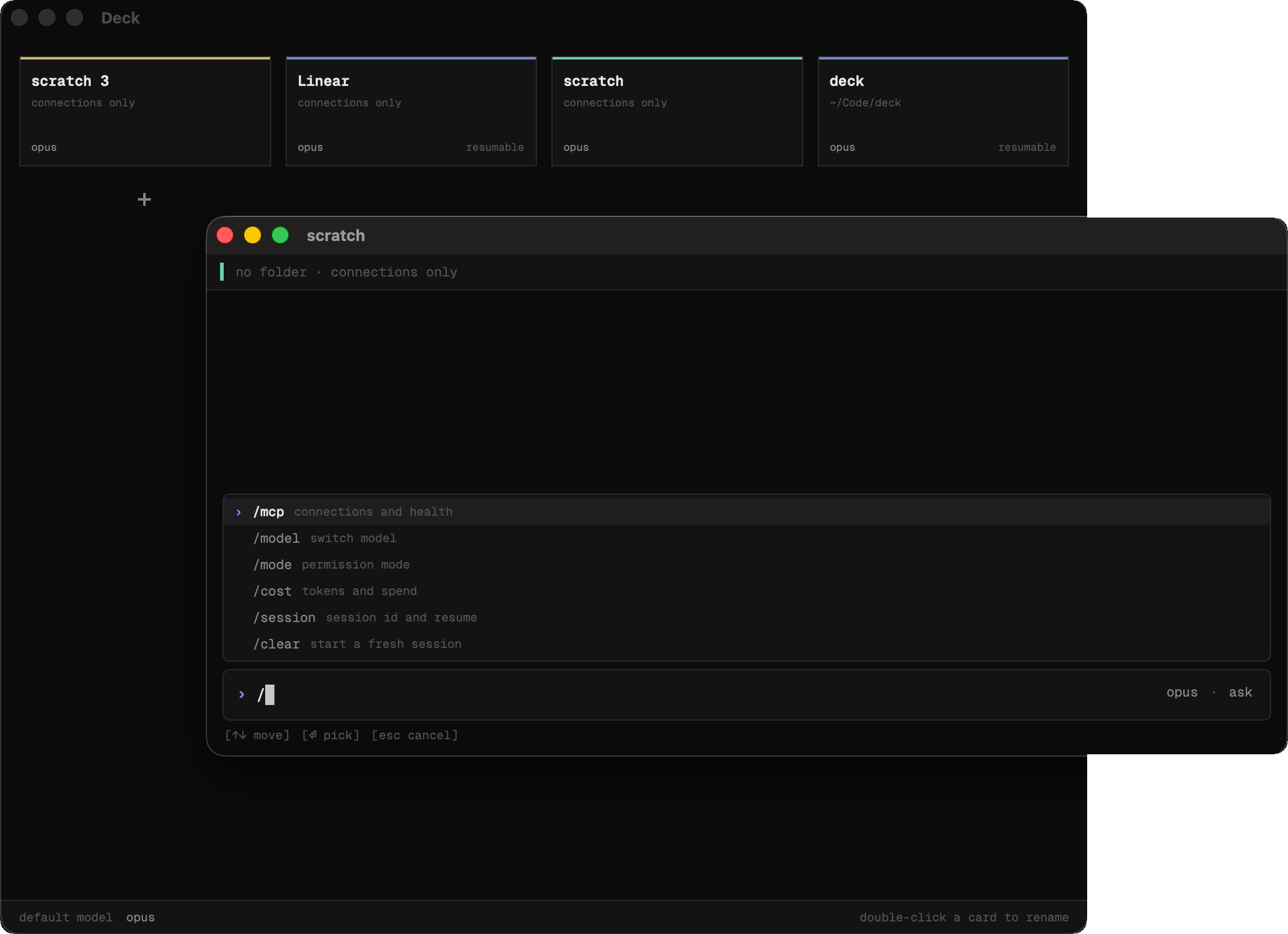
Public beta for macOS

A macOS app for designers who ship

The flexibility and simplicity of the terminal with Claude Code, Codex, or Grok, organized around your project.

0.4 beta · macOS 14 or later · Apple silicon · 1.8 MB · or get it from GitHub

What it does

Claude, Codex, or Grok, with a place for each project

Close it. It remembers.

Every card writes itself a brief when you close it — goal, decisions, where things stand, what's next. Reopen it days later on a clean context and pick up where you left off, with the understanding intact and none of the old tokens.

Claude on one card, Codex on the next

Each card picks its own agent and model. Slip drives the Claude Code, Codex, and Grok you already have installed, signed in through each CLI, so there is nothing to reconfigure and no keys to hand over. Your MCP servers, settings, and permissions come along as they are.

Approve what the agent does, and read it first

Every tool call is intercepted before it runs, with a real diff for edits. Auto mode stops asking about routine reads and edits; anything that leaves the machine or can't be undone still asks. Esc always means the safe thing.

Getting started

Set up in about a minute

Requires macOS 14 Sonoma or later on an Apple silicon Mac.

  1. Install Claude Code

    Slip needs Claude Code installed and signed in. If you already use it in the terminal, you are done with this step. Codex and Grok are optional and connect the same way, at first launch or later from Settings.

    npm install -g @anthropic-ai/claude-code
  2. Download and drag to Applications

    Unzip the download and drop Slip into your Applications folder. It is signed and notarized by Apple, so it opens like any other app, and it updates itself from then on.

  3. Open a project

    First launch finds your Claude Code install, plus Codex or Grok if they are on your Mac. Point Slip at a folder and it becomes your first card.

Ready when you are

Download for macOS

0.4 beta · macOS 14 or later · Apple silicon · 1.8 MB · or get it from GitHub